Spanish Audio Tracks Now in Imagine EdgeEX 

Imagine Edgenuity
Imagine EdgeEX

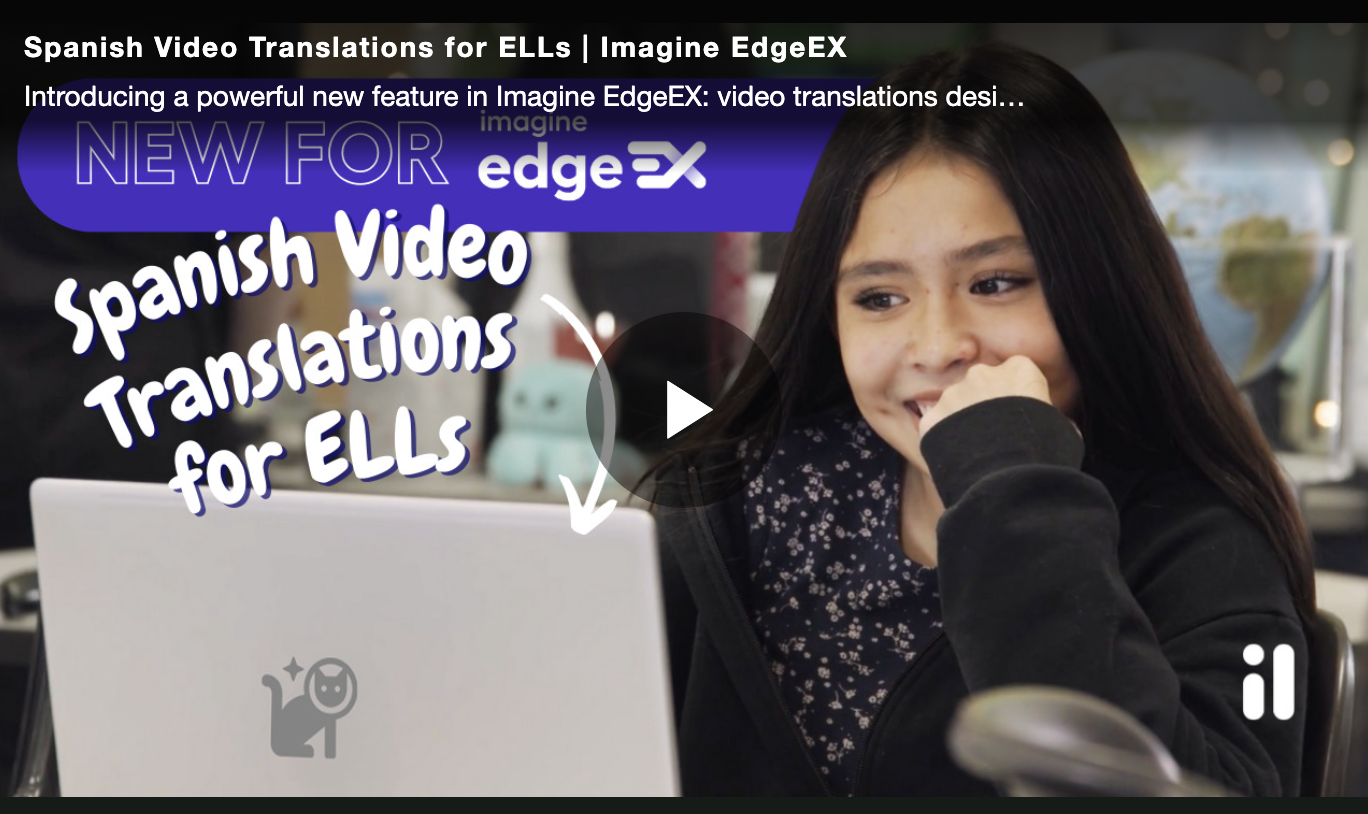
Support Spanish-speaking students in science, math, and social Studies

Imagine EdgeEX now includes Spanish audio tracks across all science, math, and social studies courses. These tracks help Spanish-speaking students better access and engage with content, while giving educators a practical way to support multilingual learners across subjects. 
Learn More
Spanish video thumbnail

New Custom Activity Options in Imagine EdgeEX 

Imagine Edgenuity
Imagine EdgeEX

Add Custom Activities with set timing and custom directions

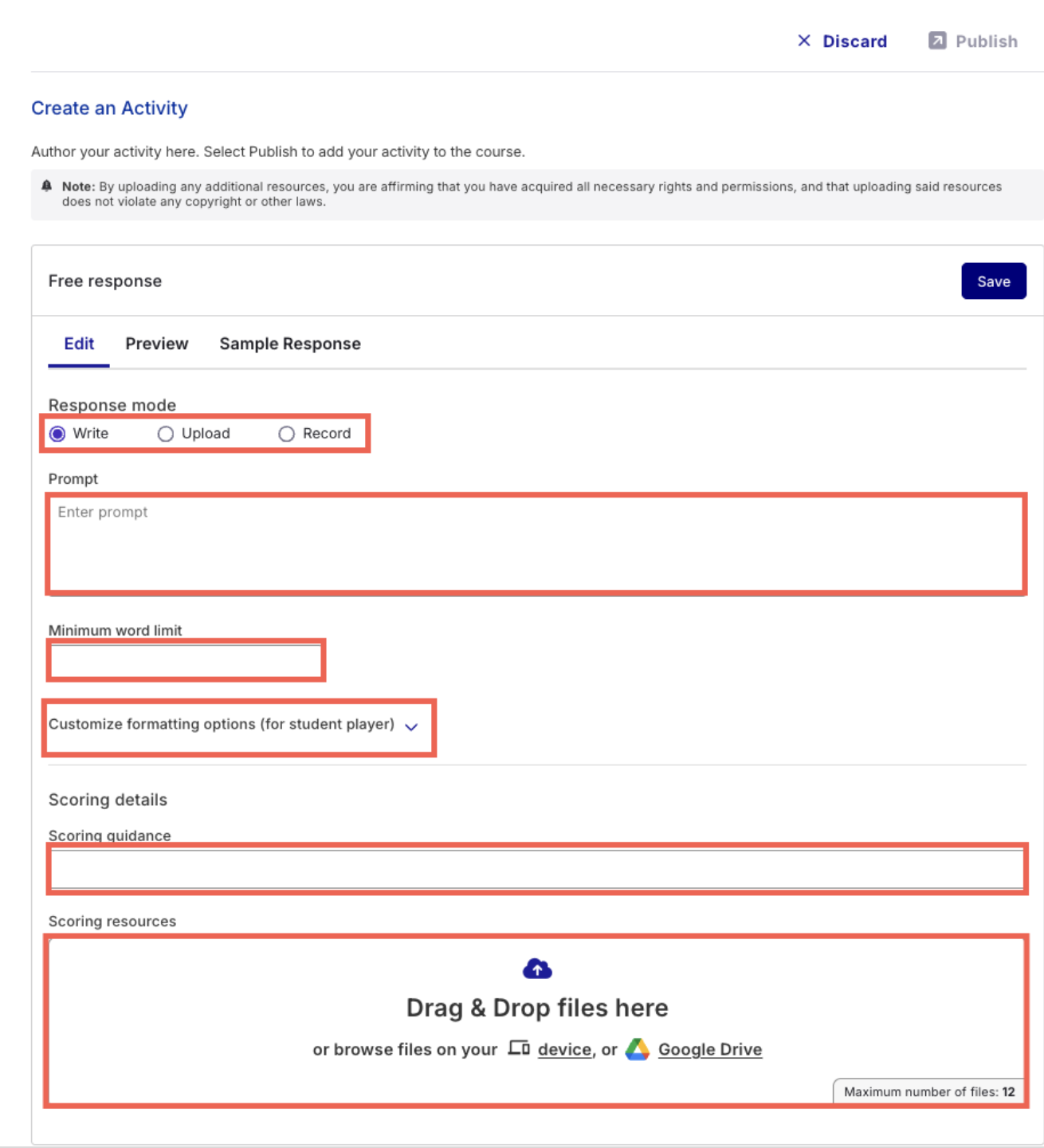
Educators using Imagine EdgeEX can now create Speaking Activities in addition to Writing Prompts and Projects. Custom activities support flexible instruction, with options to include directions and set expected completion times, helping educators tailor learning experiences for each class. 

Learn More
create an activity

Expanded AI Grading Assistant – now for Essays too!

Imagine Edgenuity
Imagine EdgeEX

Provide AI-powered, rubric-based feedback on student essay

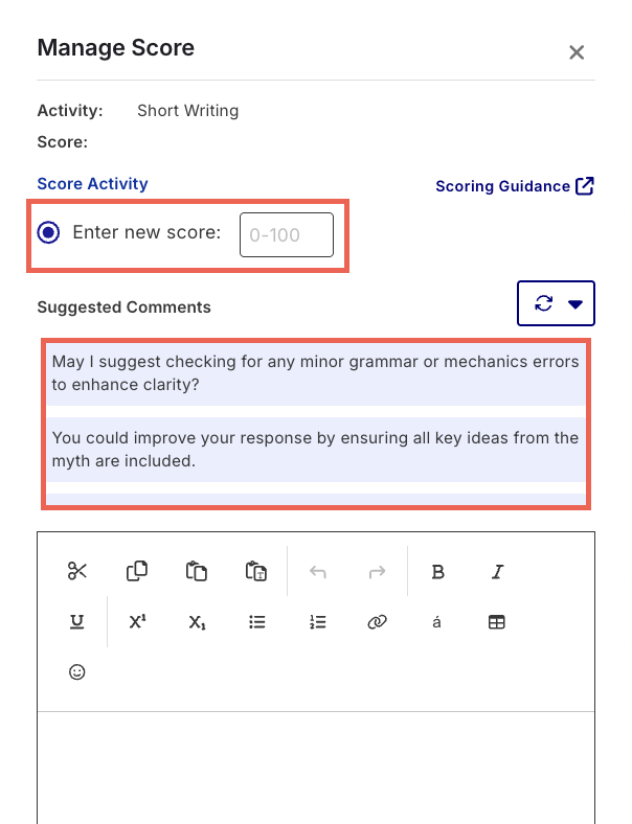
The AI Grading Assistant in Imagine EdgeEX now supports essays. Educators can generate rubric-based suggested comments to give students timely, constructive writing feedback—saving time and helping improve writing instruction across subjects. 

Learn More
AI comments

Proctorio Lockdown Browser Now Available in Edgenuity and EdgeEX 

Imagine Edgenuity
Imagine EdgeEX

Secure student assessments by restricting browser activity during testing

Educators using Imagine Edgenuity® or Imagine EdgeEX can now enable the Proctorio Lockdown Browser for quizzes, tests, and exams. This tool helps maintain academic integrity by locking students into the assessment window and blocking new tabs, extensions, and scripts, creating a more secure, distraction-free testing experience. 

Learn More
Space cat blasting off

New Character Replacement Alert in Plagiarism Scanner 

Imagine Edgenuity
Imagine EdgeEX

Enhanced Plagiarism Detector

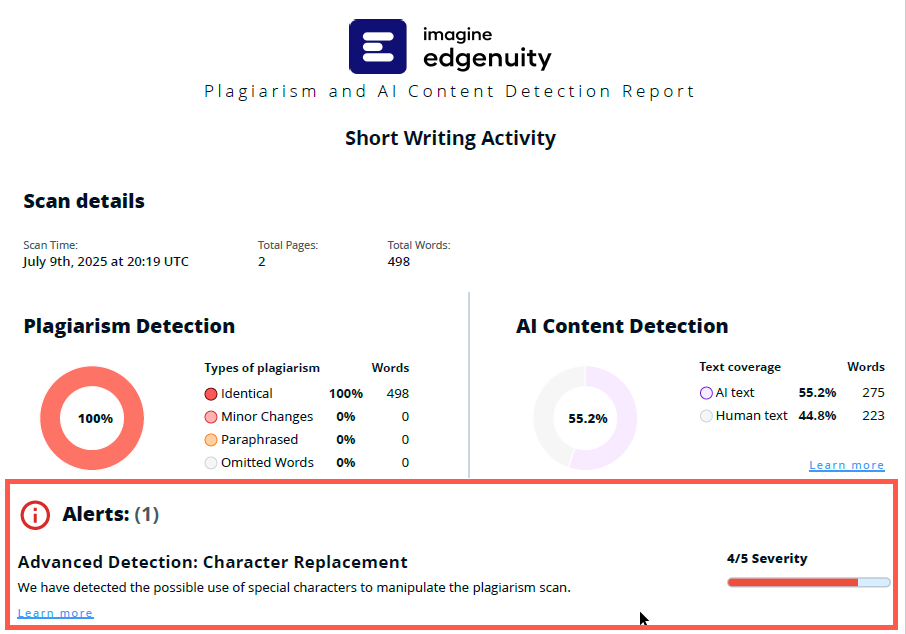
An enhanced kind of cheat detection is now available to customers who utilize the Plagiarism and AI Scanner. The PDF report will now include a “Character Replacement” Alert when the scanner suspects the possible use of special characters in order to manipulate the scan.

Learn More
Imagine EdgeEX Character Replacement

Smarter Placement in Imagine MyPath

Imagine MyPath

Students now start at their assessed level for more efficient learning

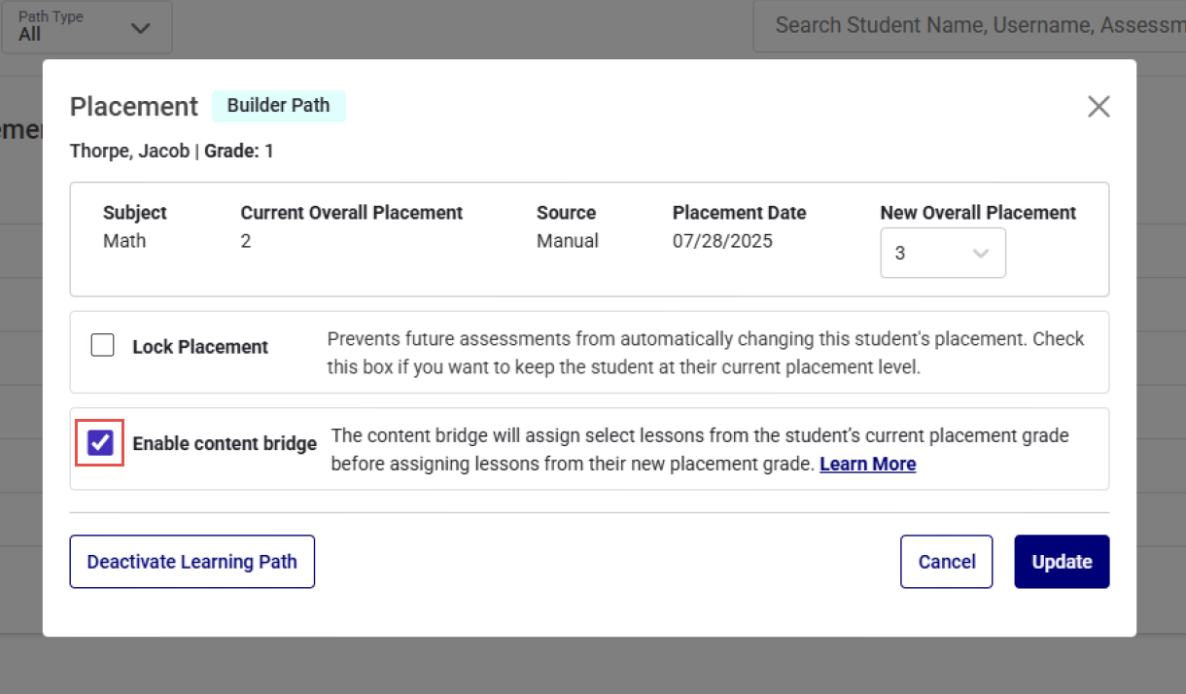
Imagine MyPath® now launches students placed above grade level directly into content that matches their assessed ability—skipping lessons they’ve already mastered. This update streamlines learning paths, helping students progress more quickly. Educators can also choose where placement starts using a new toggle in the Placement Modal. 

Learn more
Imagine MyPath smarter placement

New for Fall: Live Spanish Instruction with Intelli-Sync 

Imagine School Services

Live instruction and layered support for Spanish I & II 

This fall, Intelli-Sync expands to include Spanish I and II — high school world language courses taught by certified Spanish teachers. Whether you’re solving for staffing gaps or expanding course offerings, Intelli-Sync ensures consistent, high-quality instruction.

Students receive layered support through: 

  • Weekly, live class sessions 
  • 1:1 and small group sessions 
  • 24/7 online coursework 
  • On-demand tutoring 

Exceptional Education Services Adds Teacher-of-Record Support 

Imagine School Services

Support exceptional learners with certified SPED teachers

Exceptional Education Services now provides certified special education teachers to serve as teacher of record for high school Exceptional Student Courses (ESCs). 

Each student receives a personalized learning plan aligned with IEP goals, delivered in a self-contained virtual setting. Support includes: 

  • 1:1 and small-group instruction 
  • Executive functioning practice 
  • On-demand tutoring 
  • Regular progress updates for families and school staff 

Imagine+ Assessment for Imagine MyPath and Imagine Language & Literacy 

Imagine Plus Assessment

Seamless scheduling and unified reporting across Imagine MyPath and Imagine Language & Literacy

Imagine+ Assessment now provides a single, streamlined way to place students and monitor progress in Imagine MyPath and Imagine Language & Literacy. One diagnostic sets the right path in each program and adapts as your students’ progress. 

Here’s what’s new: 

  • Direct access via the product selection screen 
  • Seamless navigation between programs 
  • Multi-school management with custom assessment windows and flexible scheduling 
  • Real-time insights at the school and district level  
  • A library of 1,000+ pre-built math and ELA formatives 
  • Game-based screeners for early literacy and dyslexia 

Updated Portfolio Tools in Imagine Language & Literacy

Imagine Language & Literacy

View student submissions, activity previews, and task skill levels all in one place 

  • At-a-glance context: Preview each activity along with its associated skill, grade level, or Lexile® level (when available). 
  • Review in your portfolio: Student submissions now appear directly in your Imagine Language & Literacy portfolio, making it easy to track what needs your attention. 
  • Time-saving grading: Grade the same activity across a group or quickly scan all recent work for one student.